Clip Art
Clip art is a collection of ready-made images that can be inserted into documents, presentations, webpages, and other projects. The images may be raster graphics (such as .PNG or .JPEG files) or vector graphics (such as .SVG or .EPS files), which can be resized without losing quality. Collections range from small themed sets to massive libraries containing thousands of images.
Clip art is typically organized into categories like people, objects, business, nature, icons, and symbols, making it easier to browse large collections. Most clip art images also include keywords or tags that describe their content. For example, an image of a teacher in a classroom might include keywords such as teacher, school, education, classroom, and students, allowing you to quickly find relevant images using search tools.
The Evolution of Clip Art
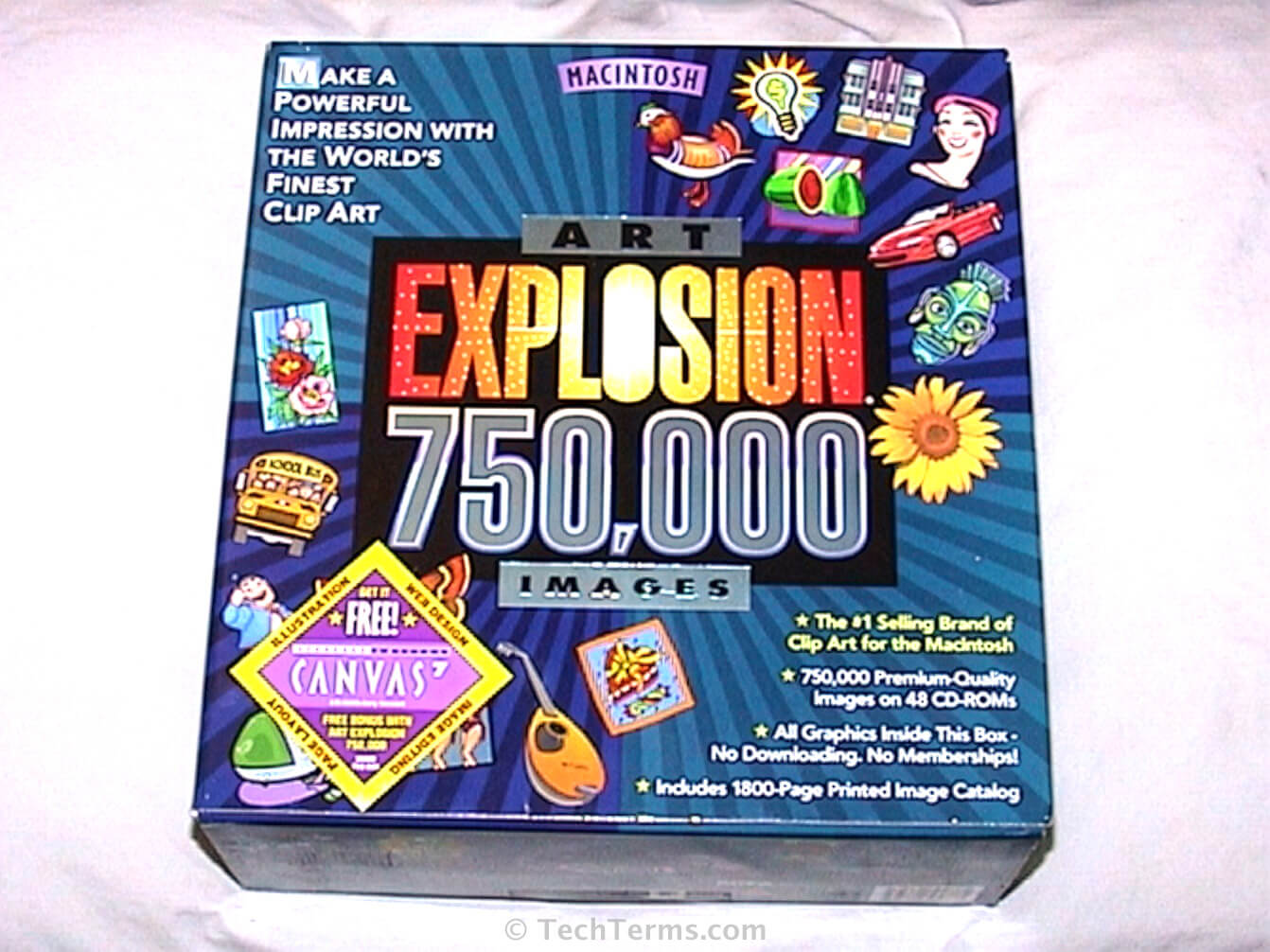
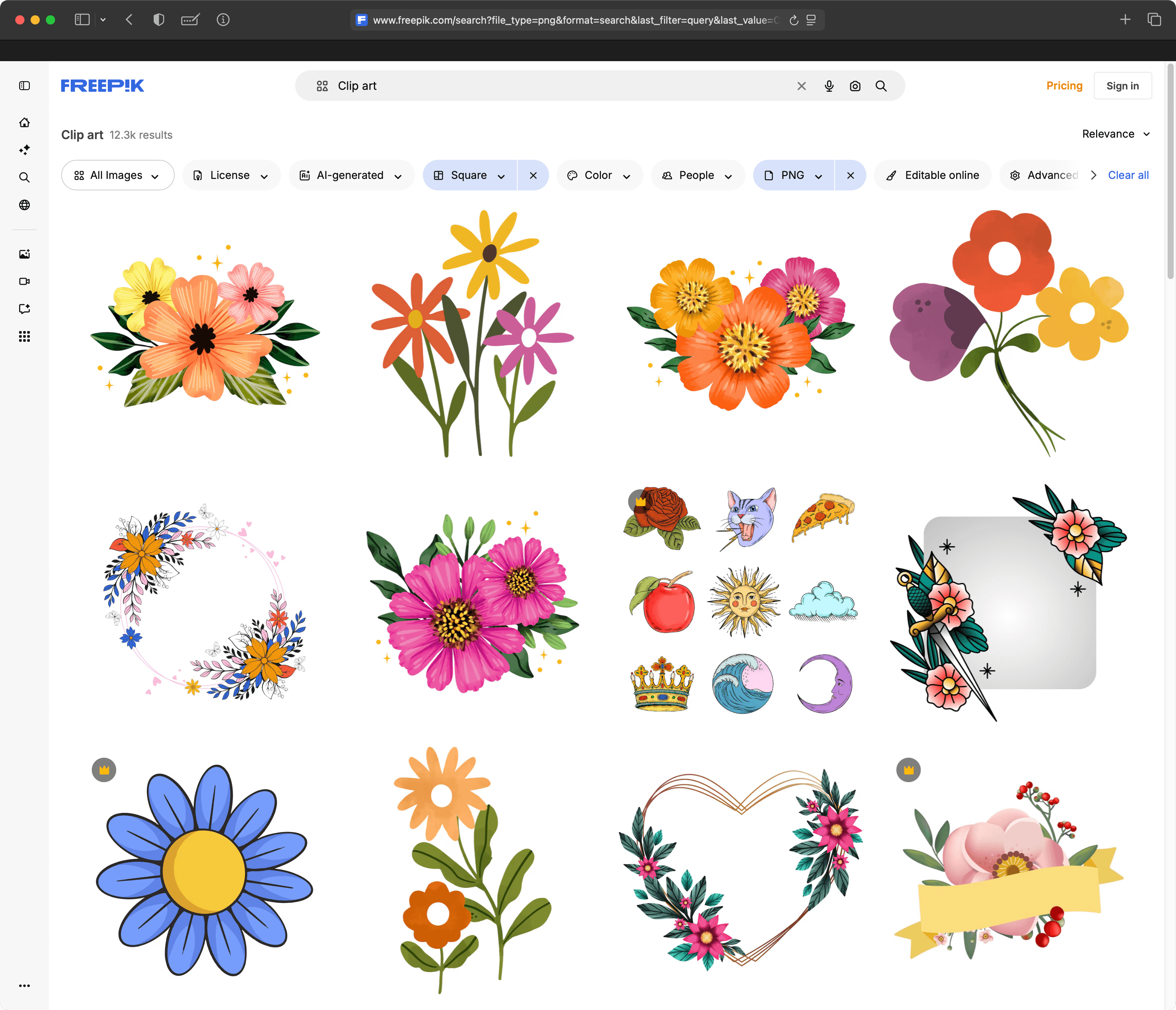
In the 1990s and early 2000s, clip art was often distributed on CDs and bundled with common applications, such as Microsoft Word and Corel WordPerfect. Today, it's more common to download images from online media libraries that provide searchable collections of illustrations, icons, and graphics.
Clip Art Licensing
Most clip art is offered under a royalty-free license, meaning the images can be used without paying ongoing fees. However, usage rights vary by source and may include restrictions on redistribution or commercial use. Images are widely available through subscription services, stock image websites, and free libraries, making it an affordable and convenient way to enhance visual content without creating artwork from scratch. As of 2026, several apps and websites (like Adobe Photoshop and Firefly) allow you to generate your own clip art from text prompts using artificial intelligence.
NOTE: Clip art may also be seen as "clipart," though "clip art" (two words) is technically correct.
 Test Your Knowledge